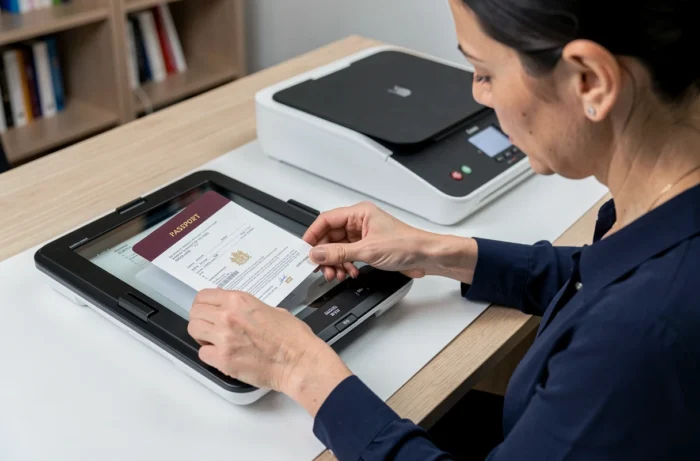
A French passport contains a machine-readable zone (MRZ), holographic elements, and an electronic chip. Scanning this document is not the same as scanning a simple A4 sheet: the binding, laminated pages, and security features require specific settings and precautions to obtain a usable copy.
MRZ Zone and Identity Page: What the Scan Must Capture
The identity page of the passport contains the information used by administrations, airlines, and online platforms. It is located at the beginning of the booklet and includes the photo, personal details, expiration date, and the MRZ, which consists of two lines of characters at the bottom of the page.
The MRZ encodes the passport number, nationality, date of birth, and expiration date in a machine-readable format. A truncated or blurry scan of this area renders the copy unusable for an ESTA application or consular procedure.
To properly scan and photocopy a French passport, the identity page is sufficient in most cases. Some procedures (long-stay visa, opening a bank account abroad) also require the pages containing entry stamps or visas: always check the specifications before scanning.
Resolution and File Format for a Readable Passport Scan
The quality of the obtained file depends on two parameters: the DPI resolution and the recording format. A setting that is too low produces a pixelated image where the MRZ becomes unreadable. An excessive setting generates a large file, often rejected by online services.
Recommended Settings Based on Use
- For an online administrative procedure (ANTS, prefecture, consulate): a resolution of 300 DPI in PDF or JPEG format offers a good compromise between readability and file size.
- For personal archiving or email sending: 200 DPI in JPEG is sufficient, provided the MRZ characters remain clear on the screen.
- For a visa application or notarized certification: prefer 300 DPI in PDF, keeping the original colors, as some consulates refuse black and white copies.
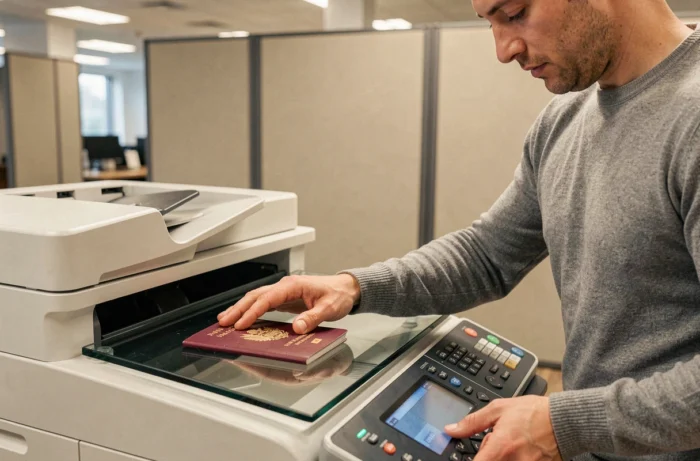
On a flatbed scanner, place the open passport directly on the glass, with the identity page flat. The binding often creates a central shadow: press lightly on the back of the booklet to reduce it, without forcing to the point of damaging the cover.
Scanning with a Smartphone
The native apps on Android and iOS include a document mode that automatically crops the page and corrects the perspective. The result rivals that of a desktop scanner if the lighting is even.
Avoid direct flash, which causes reflections on the laminated layer of the identity page. Indirect natural light or office lighting angled at 45 degrees yields better results. The holographic reflection often obscures the photo or the MRZ and is the primary cause of rejection during a digital submission.
Protection of Personal Data When Copying a Passport
The passport number is considered by data protection authorities as a permanent identifier. Its presence in a compromised file is enough to trigger the obligation to individually inform the affected individuals, regardless of the volume of data involved.
This classification has direct consequences for individuals. Sending a scanned passport via unencrypted messaging or storing it on an unprotected cloud service exposes one to a risk of long-lasting identity theft, as the passport number does not change until the document is renewed.
Best Practices for Storage and Transmission
- Add a visible watermark (“copy” or “exclusive use [recipient’s name]”) on the scan before sending. This limits the fraudulent reuse of the document.
- Delete the file from sent items and the trash once the process is completed. Keeping multiple copies increases exposure points.
- Prefer official platforms (ANTS, France Identité) that offer identity documents with limited validity rather than a full scan of the passport. This approach reduces the transmitted data and limits risks in case of a leak.
Scanned Passport and Certified Copy: Legal Framework in France
The certification of copies of identity documents has been abolished for French administrative procedures. Administrations are not allowed to require a certified copy of a passport for a file processed in France.
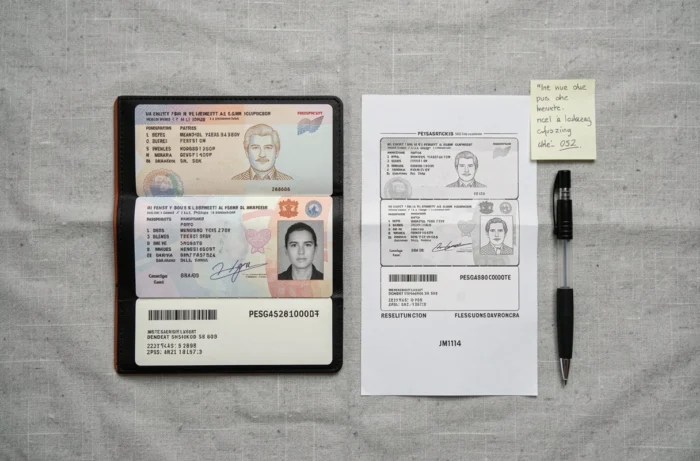
This rule only applies to national procedures. Foreign authorities and some notaries may still require a certified copy, which is then issued by the consulate of the requesting country or by a French notary for international use.
In practice, most online procedures accept a simple color scan in PDF, provided that all details are readable and that the document is neither excessively cropped nor retouched. Altering colors, cropping the MRZ, or applying a too strong contrast filter can make the copy suspicious in the eyes of automated verification systems.
Scanning a passport remains a routine act, but the nature of the data it contains makes it a sensitive document as soon as it leaves your hands. Adjusting the resolution to the use, transmitting via a secure channel, and deleting unnecessary copies after processing protects against complications that may arise months after the initial submission.